How to validate an app idea before you invest
By Leonel Rocha · Product Designer
· 6 min read
Validate the idea in four steps before paying for full development: talk to people who have the problem, publish a page with the offer and track how many leave their contact, test a clickable prototype, and put a first version in real users' hands through TestFlight and Google Play closed testing. The idea passes when outsiders use it, come back and agree to pay.
Validate the idea in four steps before paying for full development: talk to people who have the problem, publish a page with the offer and track how many leave their contact, test a clickable prototype, and put a first version in real users' hands through TestFlight and Google Play closed testing. The idea passes when outsiders use it, come back and agree to pay.
- 43%
- of startups that shut down since 2023 had no product-market fit, according to CB Insights
- 10.000
- external testers can get the test build of your app through Apple's TestFlight
- 12 for 14 days
- is the minimum closed test Google Play requires from new personal accounts before publishing
Almost every app idea starts the same way: a problem you saw up close, a solution that seems obvious and the urge to launch fast. The next step is usually asking for a quote. That's where many people skip the part that protects their money most: finding out whether anyone outside wants it.
Validating isn't academic research or a 40-page business plan. It's a series of cheap tests, each answering one question, before you pay for full development. In this guide I walk through the four steps I recommend to anyone who comes in with an app idea, what each one proves and how to tell if the idea passed.
Why validate before you build
According to the CB Insights analysis published in March 2026, covering 431 venture-backed startups that shut down since 2023, 43% had a product with no market fit. In 70% of cases they ran out of money, but the report itself notes that running out of cash is almost always the final cause, not the root.
In other words: many companies died because they built something few people wanted, and only found out after spending. Apps are especially exposed to this. They need design for two platforms, publishing in two stores and maintenance after launch. If you want the full math, I wrote about how much it costs to build an app. The bigger the bill, the more it pays to spend a little first so you don't miss the target.
Validation answers three questions, in this order:
- Does the problem exist for a group of people you can reach?
- Does your solution solve that problem in a way they understand and use?
- Will they pay, or will someone pay for them?
Each step below tests one of these questions, from cheapest to most expensive.
Step 1: talk to people with the problem

Before any screen, talk to 10 to 15 people who have the problem the app promises to solve. Not friends. People from the right audience: the clinic owner, the driver, the field team manager.
The goal of the conversation is to understand how the person solves the problem today, not to sell the idea. A few questions that work:
- How do you handle this today? A spreadsheet, WhatsApp, paper, another app?
- How much time or money does it cost you each week?
- Have you tried any other solution? Why did you stop?
- If this disappeared tomorrow, what would change in your day?
Avoid the question "would you use an app that does X?". Almost everyone says yes, to be polite. What counts is what the person already does and already spends. If nobody tries to solve the problem today, not even with a makeshift spreadsheet, it probably doesn't hurt enough for anyone to install an app.
Step 2: publish the offer before the product
With the problem confirmed, test demand. Build a simple page that explains the app as if it already existed: the problem, the promise, two or three designed screens and a button to join the waitlist or request early access.
Then bring people to it. It can be a small ad, a post in an industry group or a message to the contact list you built in step 1. The number that matters is how many visitors leave their contact. If the page gets traffic and almost nobody signs up, the promise didn't land, and rewriting a page is much cheaper than rebuilding an app.
This step also helps you choose the format. Sometimes the waitlist page shows that people want the solution but don't need it installed on their phone. A responsive website can cover the first stage for a fraction of the cost, and that decision has to be made before the quote.
Step 3: test a clickable prototype
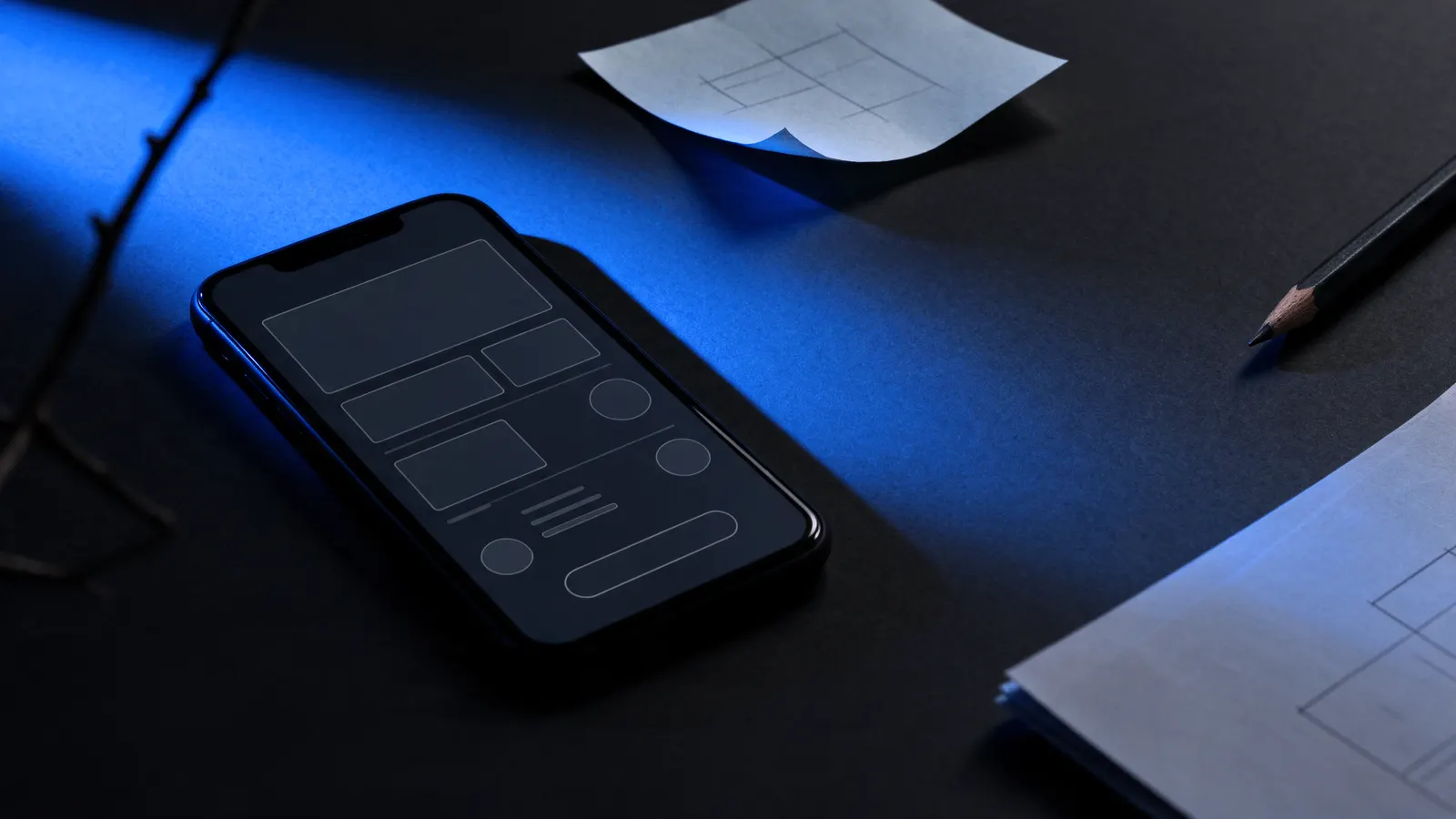
The prototype is the designed app, with screens linked together, running on a phone without a single line of code. It looks real enough for someone to try to use it.
Put the prototype in the hands of five to eight people from your audience and give them a concrete task: book an appointment, place an order, log a visit. Don't explain anything. Watch where they get stuck, where they go back, where they ask what to do. Every snag is a problem that would be expensive to find after the code is done.
The prototype tests the second question: is your solution understood and used? It's also the best document for requesting a quote, because it shows exactly what will be built. A quote based on designed screens misses by far less than one based on a conversation.
Step 4: put a first version in real hands
Only now does development come in, and in a small version: the main flow, the minimum for someone to solve the problem end to end. That's the MVP, and its price is very different from the full app. I broke down what drives that cost in how much an MVP costs.
You don't need to release this version to the world. Both stores offer a path for closed testing:
- Apple: with TestFlight, you can invite up to 100 team members and up to 10,000 external testers, by email or public link. When it's time to publish, according to the App Review page, Apple reviews at least 50% of submissions in under 24 hours and 90% in under 48 hours.
- Google: personal developer accounts created after November 13, 2023 must run a closed test with at least 12 testers, opted in continuously for 14 days, before applying for production access, according to Google Play Console Help.
This Google rule has a practical effect: if the app will ship from a new personal account, there are already two weeks of mandatory testing on the schedule. Better to use that time to learn than to treat it as a waiting line.
How to tell if the idea passed
Set the criteria before you start each test. If you set them afterward, you'll always find a way to call it a success. Some clear signs the idea is ready for the next investment:
- In conversations: most people describe the problem without you bringing it up and already spend time or money trying to solve it.
- On the page: a meaningful share of visitors leave their contact, and some write back asking when it launches.
- In the prototype: people complete the main task without help.
- In closed testing: testers come back to the app without being asked, and some ask what it will cost or agree to pay for a presale.
If a step fails, it's not the end of the idea. It's time to change the audience, the promise or the flow, and test again. Each round costs a fraction of what it would cost to find the same problem with the app already in the stores.
What this means for you
Validating doesn't delay the app. It changes the order of spending: first what's cheap and tells you a lot, then what's expensive and tells you little. By the time you get to the development quote, you already have recorded conversations, a waitlist, a tested prototype and a scope that fits the first version.
At the Studio, every project starts with discovery. The fixed price comes after it, and the deadline is written into the contract. We design and build with Figma and Claude Code, with our in-house dev team, and the code, files and store accounts are in the client's name from day one. AI Vou Eu, an AI travel SaaS, went live in 4 weeks with the Studio.
If you have an app idea and want to turn these tests into a plan with a price and a deadline, that's the job of our app development service.
Common questions
How much does it cost to validate an app idea?
Far less than building the whole app. Customer conversations cost time, an offer page takes a few days of work, and a clickable prototype needs no code. The bigger spend only comes once the idea has shown signs that it works.
Do I need a finished app to test with users?
No. You can test the problem with conversations, demand with a waitlist page and the flow with a clickable prototype. The installable version only comes in the last step, and even that can have just a few screens.
If my friends liked the idea, is it validated?
No. Friends and family tend to be kind. Validation comes from people who don't know you, have the problem and show it with an action: they leave their contact, use the prototype, come back to the app or pay.
How long does it take to validate an app idea?
It depends on the audience and how many rounds of testing you need. Google Play closed testing alone requires 14 days in a row with at least 12 testers for new personal accounts, so build that time into the plan from the start.
Sources
Related service
Apps
iOS and Android apps from MVP to the store, for new launches and for products that already have users
News Responsivo
Get the next article in your inbox
Cost, timelines, AI and behind the scenes of shipping products. No spam.